On March 18, 2026, Google Labs announced Stitch as a new AI-native UI design platform. The core idea: describe what you want, and Stitch gives you a working UI.
The tool is built on Gemini 2.5 models and has evolved significantly since its first version last year — now featuring an infinite canvas, a voice interface, and Figma integration.
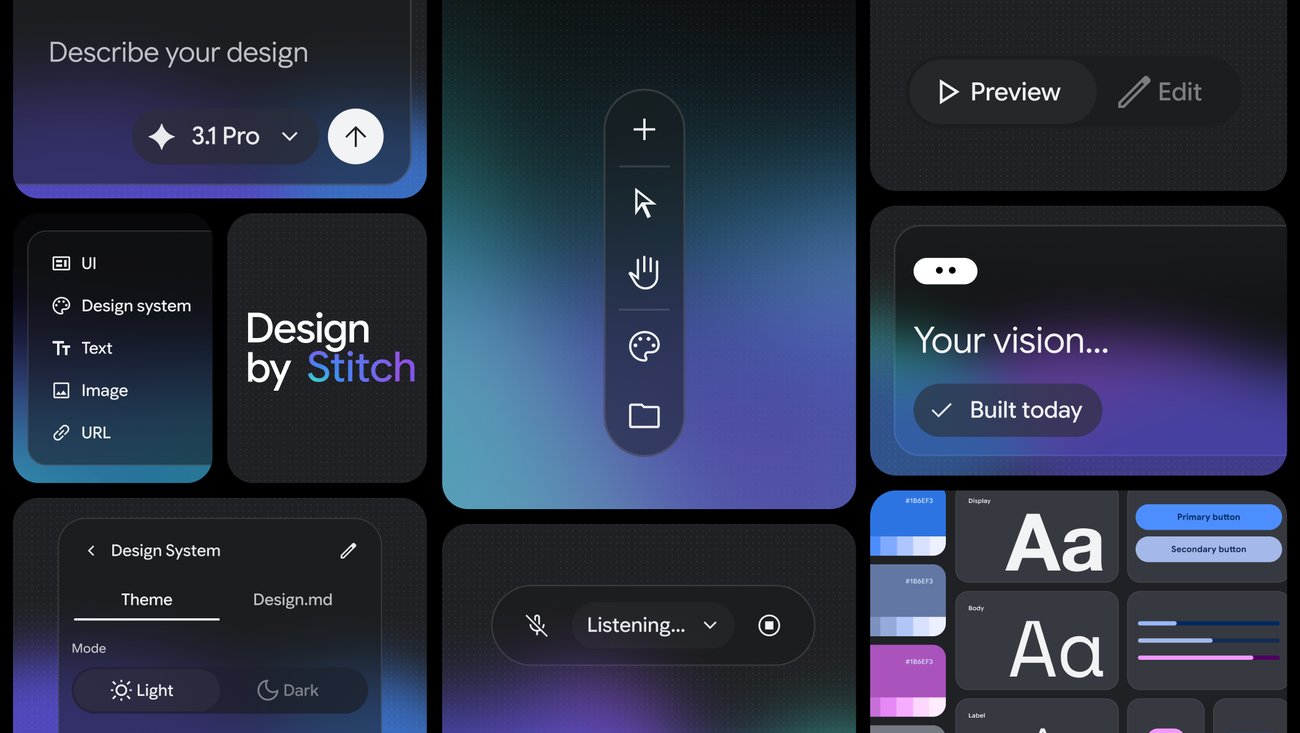
What is Vibe Design?
Alongside the Stitch announcement, Google proposed a new concept: vibe design.
You've probably heard of vibe coding — writing code by describing it in natural language. Vibe design applies the same logic to UI design. Instead of sketching wireframes or learning design system rules, you say: "I want users to feel confident, give me a minimal payment screen." Stitch turns that into a high-fidelity interface.
The key difference in this approach: the starting point is intent, not visuals. You're not describing what to draw — you're describing what you want to achieve.
What Does Stitch Do?
Infinite Canvas
Stitch offers an infinite, AI-native canvas that gives your ideas room to grow from early ideations to working prototypes. You can bring content in any form — text, images, or code — directly to the canvas as context.
Voice Canvas
One of Stitch's most notable features is the Voice Canvas. You can speak directly to the canvas:
- "Give me three different menu options"
- "Show me this screen in different color palettes"
- "Design a new landing page, ask me questions first"
The AI makes real-time updates, gives design critiques, and builds UIs by gathering information from you.
Clean Frontend Code
Once the design phase is complete, Stitch generates clean, functional HTML/CSS code. There's no separate "convert to code" step — design and code emerge from the same process.
Figma Integration
Generated designs can be pasted directly into Figma. If your team already uses Figma, integrating Stitch into your existing workflow becomes straightforward.
Technical Foundation
Stitch is built on Google's Gemini 2.5 models — leveraging their strengths in code understanding, visual interpretation, and long-context processing, applied directly to UI generation.
The Galileo AI foundation from the first version has been replaced by Gemini 2.5. This change significantly improved the quality of responses to complex design requests.
Pricing and Access
Stitch is currently free as part of Google Labs. No paid plan or usage fee — though generation limits apply depending on the mode used.
Accessible at stitch.withgoogle.com.
My Take
Vibe design feels like a natural step beyond vibe coding. You'll remember Karpathy's tweet: "Describe the app, let the AI write it." What Stitch does is similar — but at the design layer.
A few things I find particularly interesting:
The voice interface is genuinely different. Most AI design tools expect text-based commands. Speaking directly to the canvas enables a much faster feedback loop, especially in early ideation.
The Figma integration is a smart choice. Google isn't trying to replace Figma. It's offering a tool that slots into existing workflows. That matters for enterprise adoption.
"Start with intent" is the right framing. Traditional design tools teach you how to draw. In Stitch, the starting point is what you're trying to achieve — conceptually, that's more correct.
The fact that it's currently free makes it worth experimenting with. A few projects in, you'll have a clear sense of whether it fits your workflow.
| Tool | Core Approach | Output |
|---|
| Stitch | Natural language + voice | HTML/CSS + Figma |
| v0 (Vercel) | Prompt → React component | JSX code |
| Figma AI | AI plugin on existing designs | Figma file |
| Framer AI | Prompt → publish-ready site | Hosted site |
What sets Stitch apart is the voice interface and Google's model infrastructure. While v0 leans more developer-focused, Stitch targets designers and non-developers as well.
Vibe design as a concept is still maturing. But the step Stitch has taken points in the right direction: tools should understand what you want, not teach you how to draw it.
Try Stitch →

